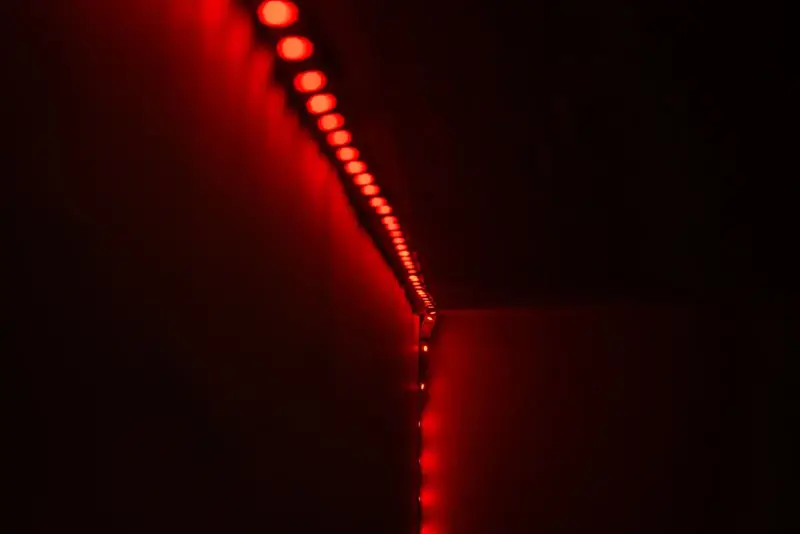
Smart LED strip lights are the most versatile light you can add to a room. A thin, flexible tape of LEDs with an adhesive back, a small controller and a power supply, and you can wash a ceiling in warm white, glow a desk in purple or have the kitchen counters fade up when you say good morning.
LED strip lights have been around for years; what makes them smart is the controller. A Wi-Fi LED light strip connects to your home network, so you can control it from a phone app, set schedules and scenes, and pair it with Alexa, Google Home or Apple HomeKit. This guide covers how they work, what to look for, how to install them cleanly and where they look best.
How smart LED strip lights work
Every strip system has three parts:
- The strip: a flexible circuit board with LEDs every few centimeters, cuttable at marked points.
- The controller: the small box that sets color and brightness. In a smart strip this has a Wi-Fi or Bluetooth chip. See our Wi-Fi LED controller guide to upgrade a strip you already own.
- The power supply: converts mains power to the low voltage the strip needs, commonly 5 V, 12 V or 24 V.
The controller talks to the app, the app talks to your voice assistant, and the strip simply does what the controller tells it.
Types of LED strip lights
By color
- Single color: one shade of white. Simple and bright, ideal for under-cabinet task light.
- RGB: red, green and blue chips mixed to make millions of colors. Whites tend to look slightly blue.
- RGBW / RGBCCT: adds a dedicated white chip (or warm and cool whites). Worth it if you want the strip as everyday light and not just mood color.
- Addressable (often called "dream color" or pixel strips): each section can show a different color, so you get chasing rainbows and gradients.
By connectivity
Wi-Fi strips connect straight to your router and work with voice assistants and remote access from anywhere. Most use 2.4 GHz only. Bluetooth strips are app-only and work within a room's range. Zigbee and Matter strips join a smart home hub or ecosystem for faster, more reliable control.
By density and finish
Standard strips have around 60 LEDs per meter, which shows visible dots on a glossy surface. 120 per meter or COB (chip-on-board) strips give a continuous line of light, which matters when the strip is in view.
What to look for
The specs table above sums up the recommendations. These are the decisions that matter most:
- Voltage. 5 V USB strips are great for a TV or a short desk run but dim noticeably past a couple of meters. 12 V covers most rooms. 24 V runs farther before the far end looks dimmer or color-shifted.
- Waterproof LED strip lights. IP20 strips are bare and indoor-only. IP65 has a silicone coating for kitchens and bathrooms away from direct spray. Outdoor LED strip lights should be IP67 or IP68, with a sealed controller box under cover.
- The app. A good smart LED strip lights app offers scenes, schedules, sunrise and sunset timers, groups and music sync. Check it supports the assistant you use.
- A remote. Bedroom lights with remote control are handy when the phone is across the room, and a backup if your Wi-Fi drops.
- Adhesive. Factory tape is often weak on painted walls. Plan for mounting clips or aluminum channels.
Smart features worth setting up
The real payoff of a Wi-Fi strip is automation, not color picking. A few routines are worth five minutes of setup:
- Sunset on: the strip fades up in warm white when the sun goes down, wherever you are.
- Wind-down: at bedtime it drops to a dim amber, which is far kinder to sleep than bright blue-white.
- Wake-up: a slow sunrise fade in the bedroom before the alarm.
- Groups and scenes: put the strip in a room group with lamps so one voice command sets the whole mood.
If you're building a bigger setup, strips that support Matter can be controlled by more than one assistant at once, which saves headaches if your household mixes phones and speakers.
Sizing the strip and power supply
Measure every run, then add a little for corners. Strips are rated in watts per meter, typically somewhere from 4 to 15 W/m. Multiply by the length, add about 20% headroom, and that is the power supply you need. For long runs, feeding power at both ends (or the middle) keeps brightness even.
The calculator below does the math for you: enter length, voltage and watts per meter and it suggests a power supply size and whether you need extra power injection.
LED strip length and power supply calculator
Size the power supply, find the cut interval and see whether a long run needs power injection.
Each block in the preview is one powered section. Always check the watts-per-meter on your strip's label; it varies by brand.
Installing LED strip lights step by step
Plan and measure
Sketch each run, mark where the controller and plug sit, and note every corner. Keep the controller somewhere reachable and ventilated.
Test before sticking
Connect strip, controller and power on the floor, pair it with the app and check every color.
Clean the surface
Wipe with isopropyl alcohol and let it dry. Dust is the main reason strips fall down.
Cut only on the marks
Use the copper pads marked with a scissor icon. Our guide to cutting and connecting LED strips covers corners and connectors.
Mount and hide
Press firmly along the whole length, add clips every 30–50 cm, and use a channel with a diffuser where the strip is visible.
Pair with your assistant
Link the app to Alexa or Google Home and name the strip something easy to say. Step-by-step help is in how to connect Alexa to LED lights.
Where to use them
- Behind the TV: soft bias lighting reduces the harsh contrast of a bright screen in a dark room.
- Ceiling coves and crown molding: an indirect glow that makes ceilings feel higher.
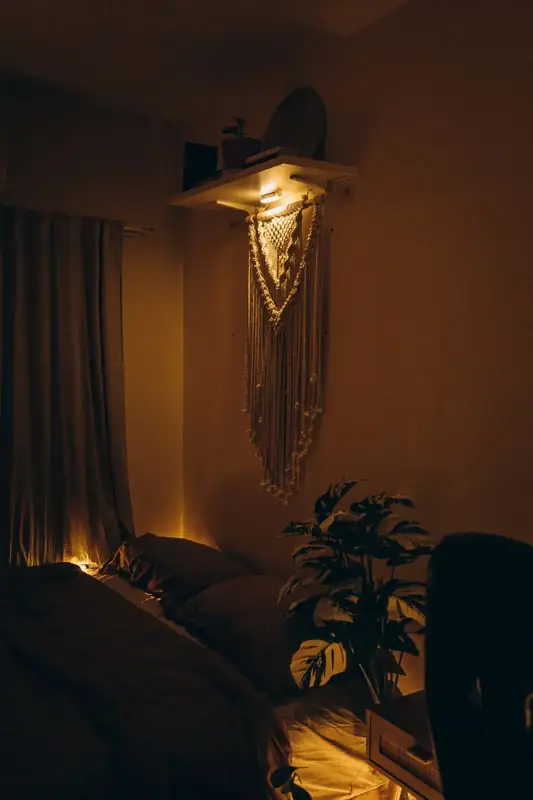
- Bedroom: under the bed frame or behind the headboard, set to warm amber at night.
- Kitchen: under cabinets for task light, with an IP65 strip near the sink.
- Under the sofa: see our LED lights under the couch project.
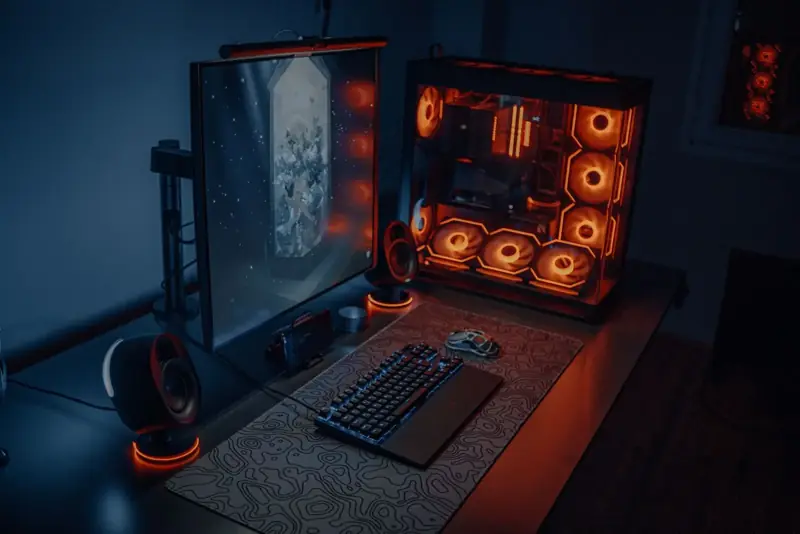
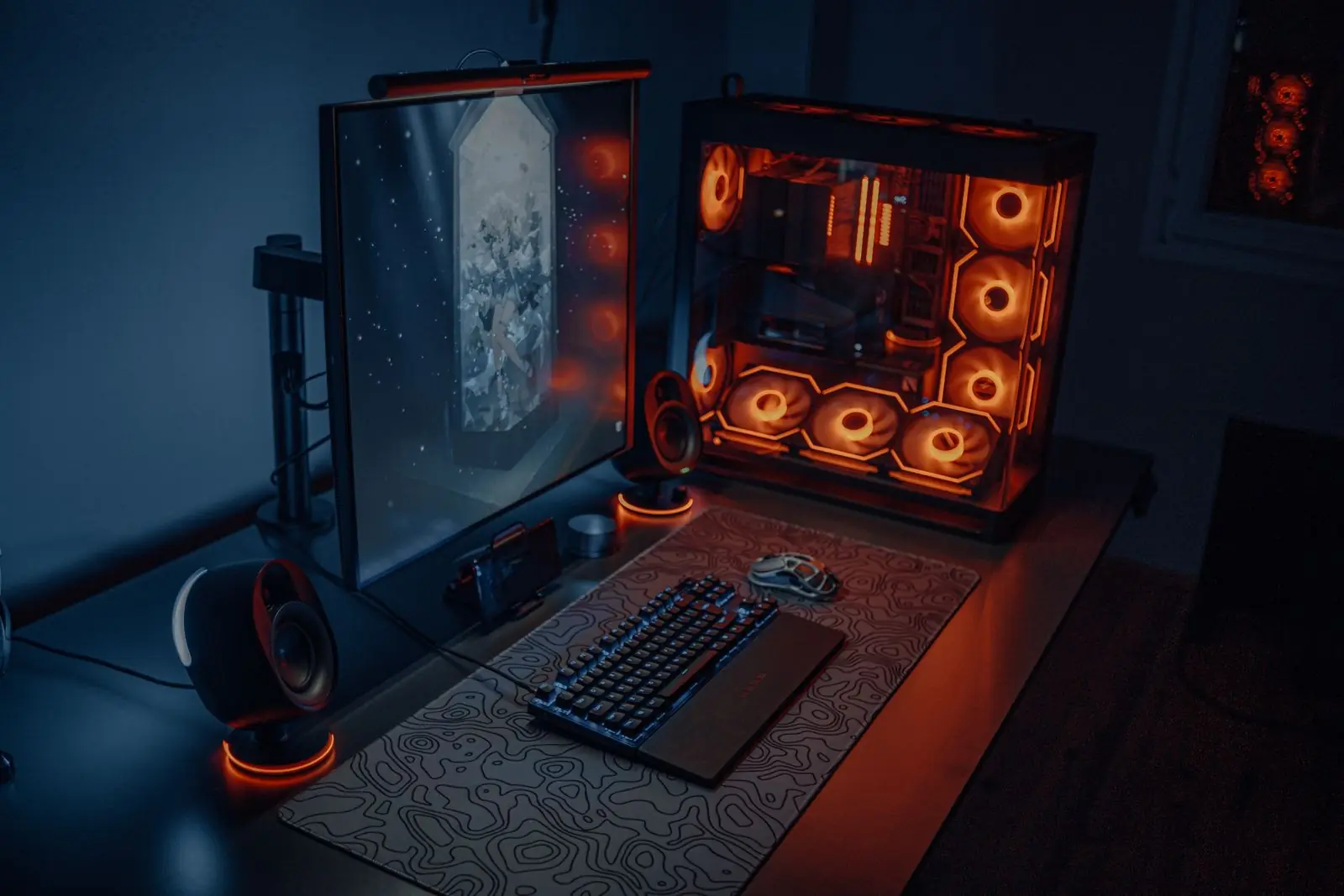
- Desk and gaming setups: behind monitors and shelves, synced to music or games.
- Outdoors: under deck rails and steps with IP67 strips.
Not sure which color suits which room? What LED light colors mean walks through moods, sleep and focus.
Care, troubleshooting and safety
Dust the strip and diffuser occasionally. Heat shortens LED life, so avoid running bare high-density strips inside closed spaces; an aluminum channel helps. If one section stops working, check the connector or solder joint just before it. If colors look wrong at the far end, the run is too long for the voltage and needs power injection.
Low-voltage strips are safe to touch, but a short across cut ends can damage the controller, so seal unused ends with end caps.
Next steps
Already have a strip with a basic remote? A Wi-Fi controller can make it smart. Want smart light in lamps too? Read the smart LED light bulbs guide, or open the light tools to size your next run.