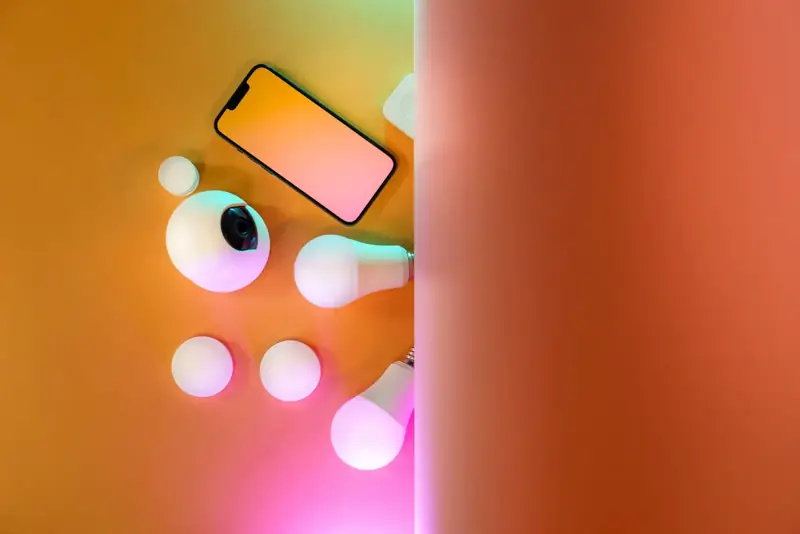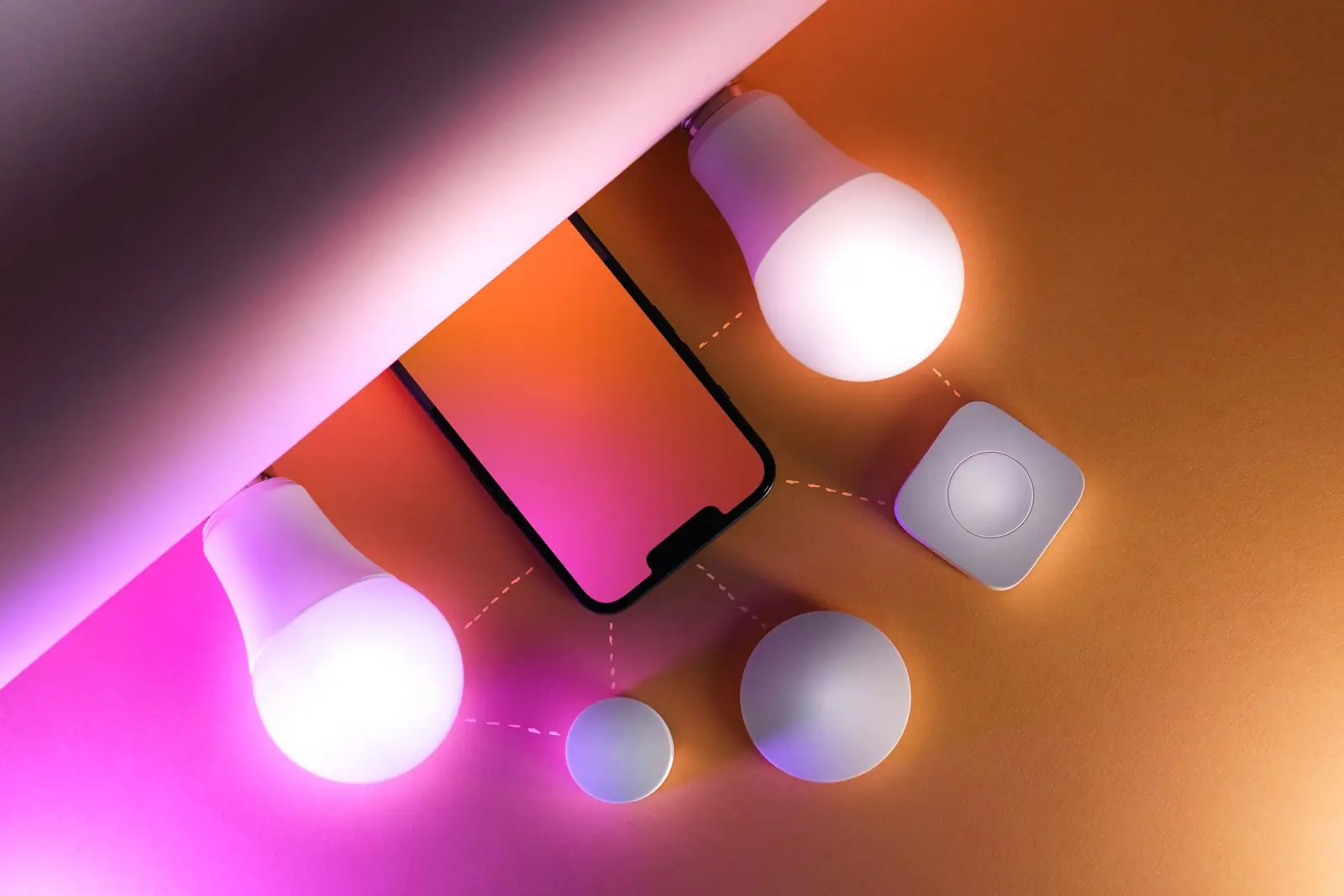
Smart LED light bulbs are the easiest way into smart lighting. They screw into the lamps and ceiling fittings you already have, connect to your phone, and let you change brightness, color temperature and color without rewiring anything. Pair them with a voice assistant and you can say "movie time" and have the living room dim to a warm glow.
This guide explains how smart bulbs work, the choices that matter, how to set them up with Alexa or Google Home, and where they make the biggest difference.
How smart LED light bulbs work
Inside a smart bulb are ordinary LED chips, usually red, green, blue and one or two whites, plus a tiny radio. The radio receives commands from an app, a hub or a voice assistant, and the bulb's driver mixes the chips to the color and brightness you asked for. The light switch still needs to stay on: cut power at the wall and the bulb can't hear anything.
For a deeper look at the tech, including how smart bulbs compare with incandescent ones, read our smart bulbs explainer.
Types of smart bulbs
Smart color bulbs
Smart color bulbs (often labeled RGBW or "color and white") can produce millions of colors as well as warm and cool whites. These are the Google Home color changing light bulbs and Alexa light bulbs most people picture: purple for game night, red for a holiday, soft orange at bedtime.
Tunable white bulbs
Tunable white bulbs skip color and instead shift between warm white (around 2,700 K) and cool daylight (5,000–6,500 K). They're great for kitchens and offices where you want crisp light by day and cozy light at night.
Dimmable white
The simplest smart bulbs only switch and dim a fixed white. Good for hallways and porches on a schedule.
Shapes
Standard A-shape bulbs cover most lamps. Candle, globe, spotlight and filament styles exist for chandeliers, track lights and exposed-bulb fixtures.
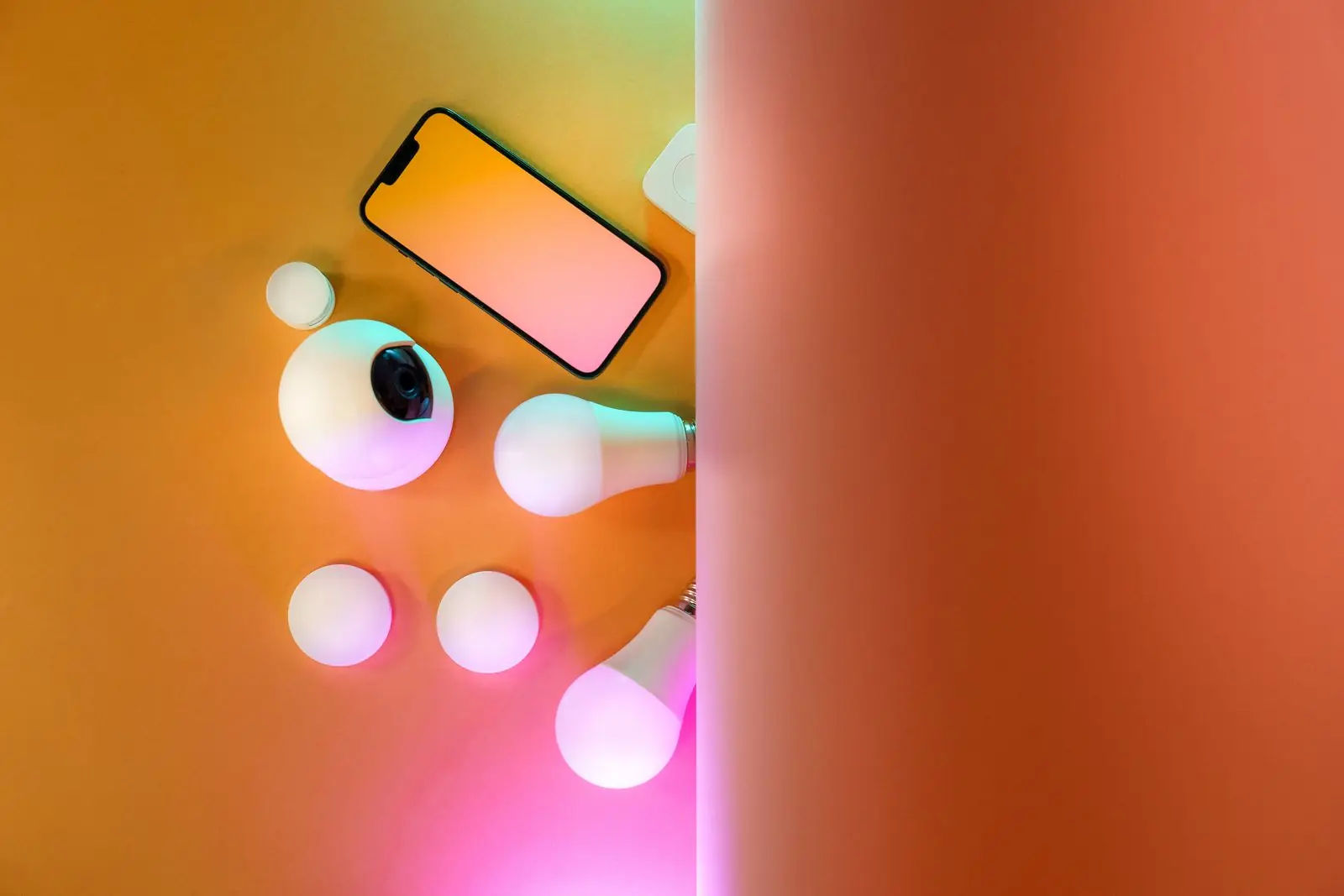
Wi-Fi vs Bluetooth vs Zigbee vs Matter
- Wi-Fi: connects straight to your router. No hub, works away from home. Too many Wi-Fi bulbs can crowd a basic router.
- Bluetooth: phone-to-bulb, no network setup. Simple, but limited range and usually no remote access.
- Zigbee and Thread: low-power mesh networks through a hub or a smart speaker with one built in. Fast and reliable in big homes.
- Matter: a shared standard so one bulb can work with Alexa, Google Home and Apple HomeKit together. A good bet for new setups.
What to look for
The specs table covers the key points. Two are worth stressing. First, brightness is listed in lumens, not watts; around 800 lumens replaces an old 60 W bulb. Second, color quality varies. If you'll use the bulb mostly for everyday light, choose one with good warm whites rather than only bright saturated colors.
Also check the fixture. Many bulbs aren't rated for fully enclosed fittings, where heat builds up, or for damp outdoor locations.
A few smaller details are easy to miss:
- Power-on behavior: good bulbs let you choose what happens after a power cut, such as returning to the last setting instead of blasting full white at 3 a.m.
- Low dimming: some bulbs can dim to a gentle 1%, which makes a real night light; others bottom out much brighter.
- Music sync: fun for parties, but it usually needs the phone's microphone and the app open.
- Local control: bulbs that keep working through a hub when the internet drops are less frustrating in the long run.
Choosing colors and color temperature
Color temperature is measured in kelvin. Lower numbers are warm and golden, higher numbers are cool and blue. Warm light in the evening helps a room feel relaxed; cooler light in the day helps with focus. Saturated colors are best used as accents in a lamp or two, not as the only light in a room.
To see which tones suit each room and mood, try the picker below. Choose a room and an activity, and it suggests a kelvin range and accent colors.
Color temperature and mood picker
Slide through warm to cool white, or pick a mood, and preview how the room will feel.
Our post on LED light colors and their meaning goes further on sleep, study and mood lighting.
Setup with Alexa or Google Home
Install and power on
Screw the bulb in, switch on at the wall and leave the switch on from now on.
Add it in the app
Open the bulb's app, connect it to your 2.4 GHz Wi-Fi or hub, and give it a clear name like "desk lamp".
Link your assistant
In the Alexa or Google Home app, link the bulb's account or add it directly if it supports Matter.
Group by room
Put bulbs into rooms so "turn off the living room" works.
Build routines
Set a sunset-on, a bedtime dim and a wake-up fade. These are the features you'll use every day.
If a bulb won't pair, reset it (often by switching it off and on several times in a row, as its instructions describe), move your phone close to it, and make sure your phone is on the 2.4 GHz band for Wi-Fi models.
Where they shine, and safety notes
- Bedroom lamps: warm amber at night and a sunrise fade in the morning.
- Living room: scenes for reading, movies and parties.
- Porch: on at sunset, off at midnight, using a damp-rated bulb.
- Kids' rooms: a dim colored night light on a timer.
To extend color beyond lamps, combine bulbs with smart LED strip lights in the same room group.
Next steps
If you'd rather keep your current strips and make them smart, the Wi-Fi LED controller guide explains how. You can also open the light tools to play with color temperature before you change a single bulb.