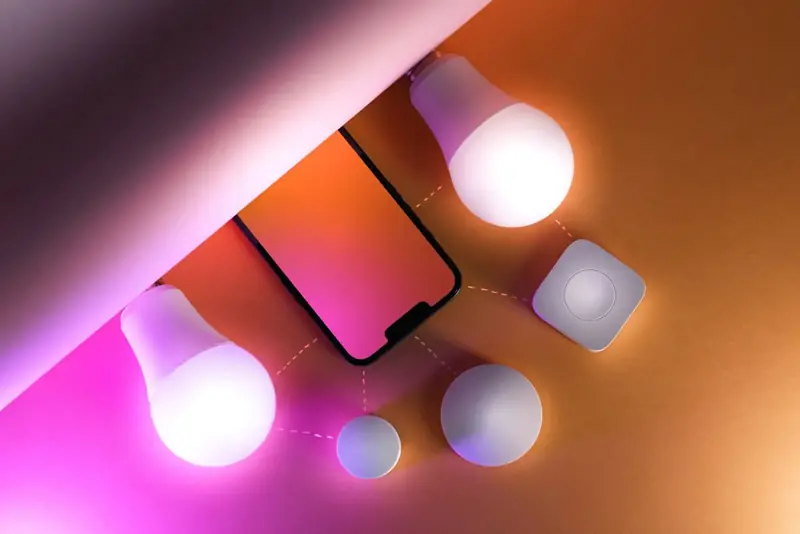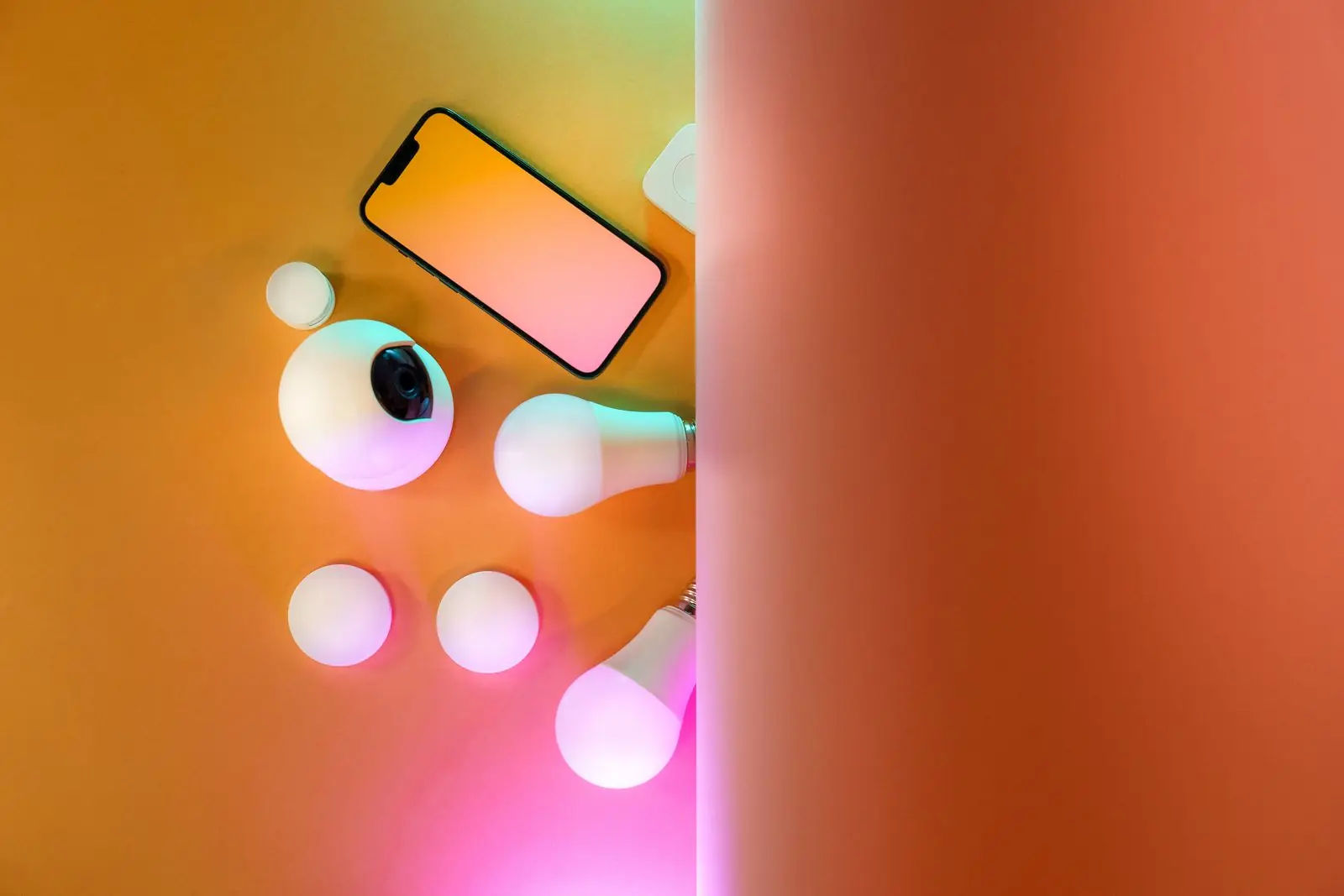
Smart bulbs are the easiest way into smart lighting. You screw one into an ordinary lamp, connect it to an app, and suddenly you can dim it from the couch, change its color, set it to wake you up gently, or switch it off with your voice.
They're also surprisingly confusing to shop for. Wi-Fi or Zigbee? Do you need a hub? Will it work with Alexa, Google Home or Apple HomeKit? And is it really worth it compared with a regular bulb?
This guide explains how smart bulbs work, the differences between the main connection types, and how to pick the right bulb and color settings for each room.
How Smart Bulbs Work
A smart bulb is an LED bulb with a tiny radio and controller inside. The radio receives commands from your phone, a smart speaker or a hub, and the controller adjusts the power going to the LEDs.
Most color bulbs contain several groups of LEDs: red, green and blue for colors, plus one or two whites (warm and cool). By mixing them at different intensities, the bulb can produce millions of colors and a range of white tones, typically from around 2,700 K (warm, like a classic lamp) up to 6,500 K (cool daylight). This is called tunable white.
One important detail: the bulb needs constant power to listen for commands. If someone flips the wall switch off, the bulb goes offline. That's why many people leave the switch on and use a smart switch cover or voice control instead.
Wi-Fi vs Zigbee vs Bluetooth vs Matter
The biggest decision is how the bulb talks to your devices.
| Connection | Hub needed? | Good for | Watch out for |
|---|---|---|---|
| Wi-Fi | No | One to a handful of bulbs; simple setup | Usually 2.4 GHz only; many bulbs can crowd a home router |
| Bluetooth | No | A single room, phone control nearby | Short range; remote control away from home is limited |
| Zigbee | Yes (or a speaker with a built-in hub) | Whole-home setups with many bulbs | Extra hardware; mesh needs a few powered devices to spread |
| Matter (over Thread or Wi-Fi) | A Matter controller | Mixing ecosystems: Alexa, Google Home and Apple HomeKit | Check that your speaker or hub supports Matter |
For a few lamps, Wi-Fi bulbs are the simplest. If you're planning to fill the house, Zigbee or Thread-based Matter bulbs are more reliable because they form a mesh network and don't add load to your router. Matter's big advantage is that one bulb can be shared across Alexa, Google Home and Apple HomeKit at the same time.
Smart Bulb vs Incandescent
It's worth comparing a smart bulb with the old incandescent it replaces:
- Energy use: LED smart bulbs typically use around 8–10 W to give the light of a 60 W incandescent. That's a big drop in running cost for a lamp used every evening.
- Lifespan: LEDs are commonly rated for 15,000–25,000 hours, against roughly 1,000 hours for incandescents.
- Heat: LEDs run much cooler, which is kinder to lampshades and fixtures.
- Standby power: a smart bulb draws a small amount of power even when "off," because the radio stays awake. It's tiny, but it's not zero.
- Upfront cost: smart bulbs cost more to buy than plain LEDs, so many people start with the lamps they use most.
Color-Changing and Music Sync Features
Google Home color changing bulbs and voice control
Once a bulb is linked to Google Home or Alexa, you can say things like "set the living room to warm white at 40 percent" or "make the bedroom blue." Group bulbs by room so one command controls them all.
Scenes and schedules
Scenes save a combination of colors and brightness: "Movie," "Dinner," "Reading." Schedules switch them automatically. A slow sunrise scene 20–30 minutes before your alarm is one of the nicest features smart bulbs offer.
Music sync
Music sync smart bulbs use your phone's microphone, or an app connected to your music, to pulse and change color with the beat. It's great for parties. The effect varies a lot by app, and phone-mic syncing can lag slightly, so treat it as fun rather than precision.
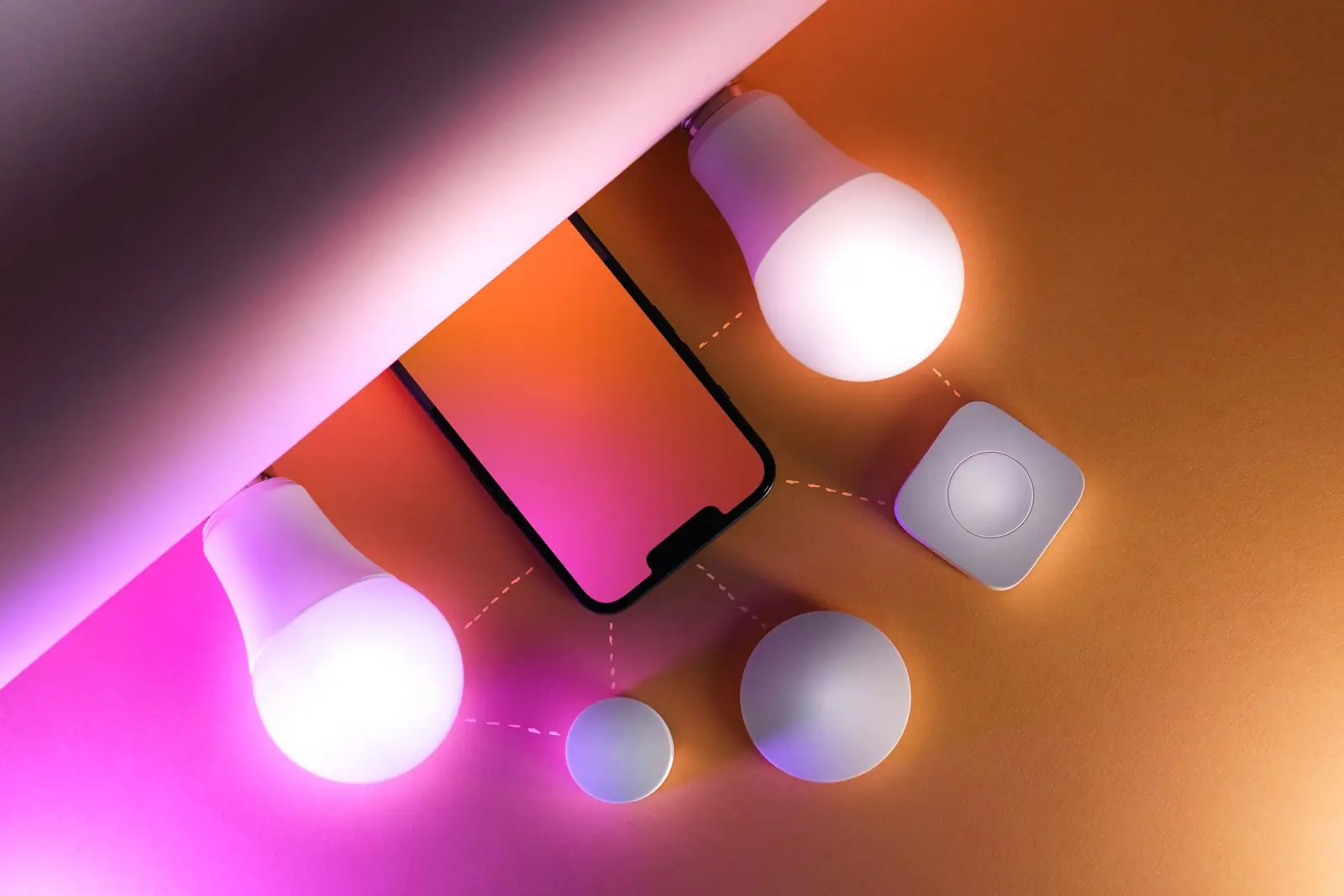
Choosing the Right Color Temperature for Each Room
The real power of smart bulbs is matching light to what you're doing. As a rough guide:
- Bedroom: warm white, 2,200–2,700 K, dimmed low in the evening.
- Living room: 2,700–3,000 K for relaxing; brighter for games or reading.
- Kitchen and desk: neutral to cool white, 3,500–5,000 K, for focus and detail.
- Party mode: saturated colors, or a slow color loop.
Not sure what looks right? Try the color temperature and mood picker below. Pick a room and an activity, and it suggests a Kelvin range and colors to set in your app.
Color temperature and mood picker
Slide through warm to cool white, or pick a mood, and preview how the room will feel.
For more on how color affects mood and sleep, read LED light colors meaning.
Setting Up Your First Smart Bulb
Check the fitting and fixture
Match the base (such as E26/E27 or GU10) and make sure the fixture isn't on a traditional dimmer switch, which can cause flicker.
Install the app
Use the bulb's app, or add it directly in Alexa, Google Home or Apple HomeKit if it supports Matter.
Pair the bulb
Switch it on; it usually blinks to show it's in pairing mode. If not, toggle the switch off and on a few times to reset it.
Name and group it
Give it a clear name ("Bedroom lamp") and add it to a room so voice commands work naturally.
Build a routine
Start with one useful schedule, like warm and dim at 9 pm, before adding more.
Beyond Bulbs: Strips, Controllers and Fairy Lights
Smart bulbs are just one part of a lighting setup. Smart LED strips add glow behind TVs, under cabinets or beneath beds, and a Wi-Fi LED controller can bring older strips into the same app. Our smart LED light bulbs guide compares bulb features in depth, the smart LED strip lights guide covers strips, and the smart lights collection shows everything in one place.
Wrap-Up: Start With One Lamp
Smart bulbs are easiest to love when you start small: one lamp, one routine, and a color temperature that suits the room. Choose Wi-Fi for simplicity, Zigbee or Matter for a bigger system, and keep the wall switch on. Ready to add voice control to your strips too? Follow how to connect Alexa to LED lights.